What is an AI texture upscaler?
An AI texture upscaler increases texture resolution while trying to preserve surface detail and tileable edges.
Upscale low-resolution textures 2x or 4x with an AI model designed to preserve seamless tiling for game and 3D material workflows.
Best input
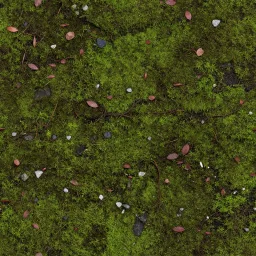
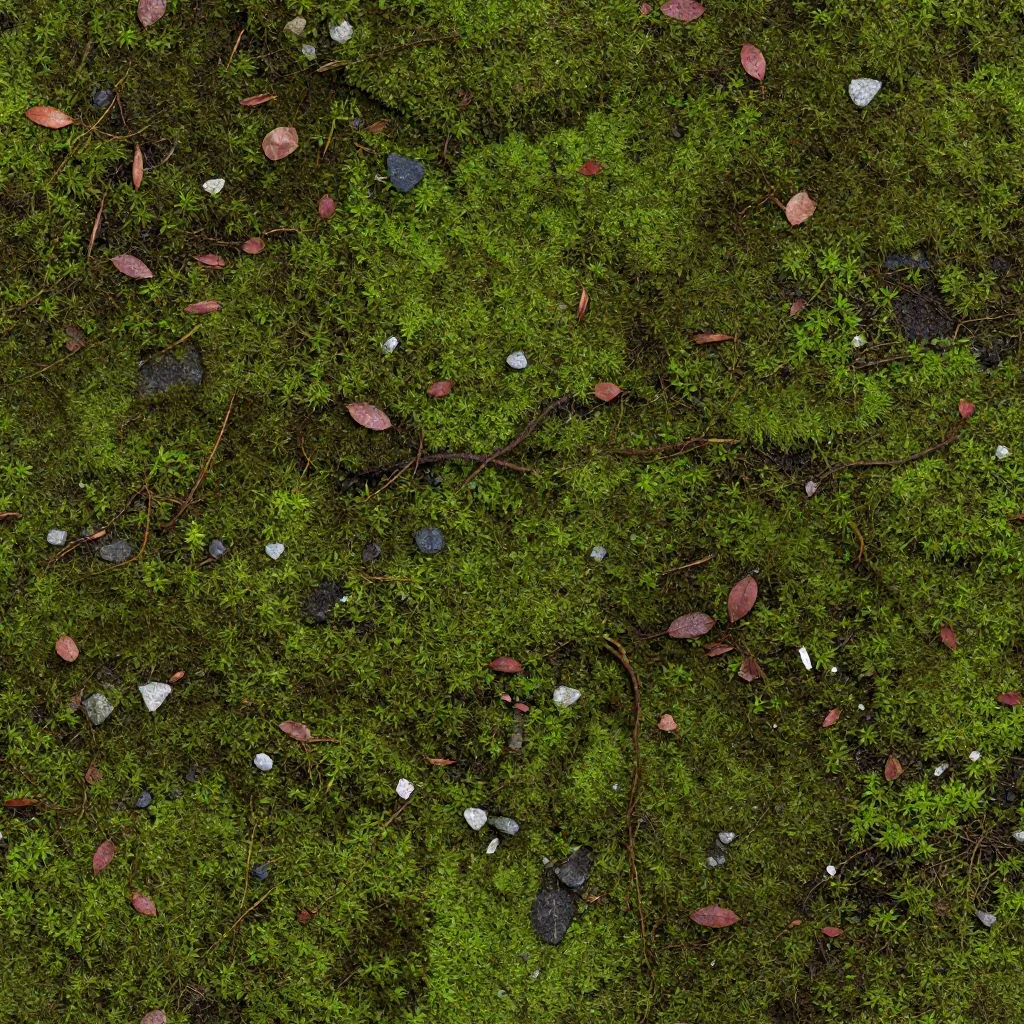
Generic super-resolution can create different detail at opposite tile edges.
Use a texture-oriented upscale path designed around surface assets.
A sharper image can still fail when repeated as a tile.
Check the upscaled result in a 3×3 repeat grid.
Large close-up assets expose soft micro-detail quickly.
Compare the same region before and after at 2× or 4×.
Preserve horizontal and vertical tiling while improving texture detail for generated textures, scanned textures, and downloaded assets.
Optimized web preview of a 1024 x 1024 to 4096 x 4096 workflow
Generic image upscalers can create different detail on opposite texture edges. A texture-first upscaler is designed to preserve tile boundaries.
Preserve horizontal and vertical tiling while improving texture detail for generated textures, scanned textures, and downloaded assets.
Designed to retain seamless texture boundaries
After upscaling, preview the tile, generate PBR maps, or continue toward engine-ready material packs.
Texture upscaling belongs in the production cleanup stage, where detail matters but tileability still matters more.
Use it for older library textures, generated drafts, scanned surfaces, and any tile that looks soft in close-up shots.
Open in StudioCheck the upscaled result in a repeat grid so opposite edges still align after super resolution.
Open in StudioAfter upscaling, generate PBR maps or return to Studio for preview and export preparation.
Generate PBR Maps After UpscalingTurn a prompt or reference into a repeatable base texture before building maps.
Create a coordinated base texture and five-map material set from one surface description.
Turn a texture or surface image into Base Color, Normal, Roughness, Metalness, and Height maps.
An AI texture upscaler increases texture resolution while trying to preserve surface detail and tileable edges.
Generic upscaling can break seamless tiling. This workflow is designed to keep horizontal and vertical edges aligned.
Yes. The target workflow supports 2x and 4x upscale paths for higher-resolution texture assets.
For many workflows, upscale the base texture first, then generate PBR maps at the resolution you need.
Yes. The upscaled texture output is intended for Blender, Unreal Engine, Unity, and similar 3D tools.
It can upscale general images, but the seam-preserving behavior only matters for tileable textures. For portraits or photos, a general-purpose upscaler is a better fit.
Enhance low-resolution texture assets and keep the material workflow moving.