What is an AI material generator?
An AI material generator turns a text prompt into a material set, including the base texture and supporting PBR maps.
Describe a surface once and generate a seamless texture with physically useful PBR maps for real-time engines and 3D renderers.
Building maps one by one can create inconsistent surface response.
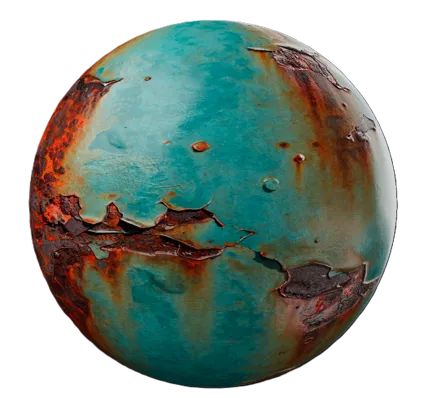
Generate a coordinated five-map PBR set from one prompt.
A color texture alone cannot describe roughness, metalness, or depth.
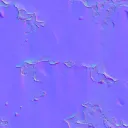
Inspect Basecolor, Normal, Roughness, Metalness, and Height together.
Moving between separate tools breaks creative context.
Continue from prompt to material preview and higher-resolution export in one Studio.
A production material is a coordinated set of maps, not a single image. Each channel answers a different rendering question.
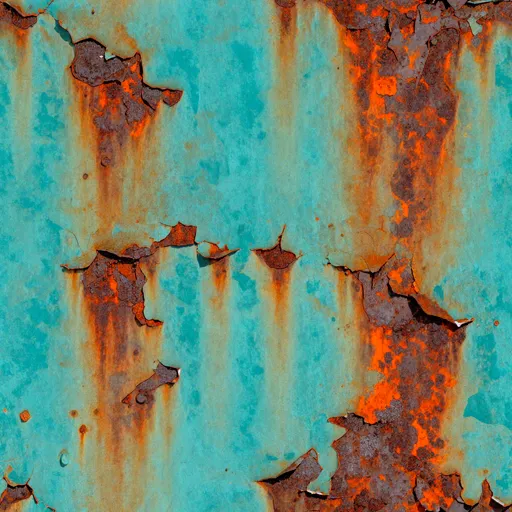
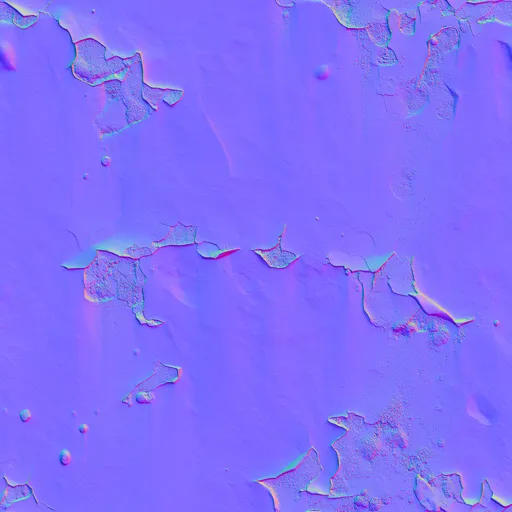
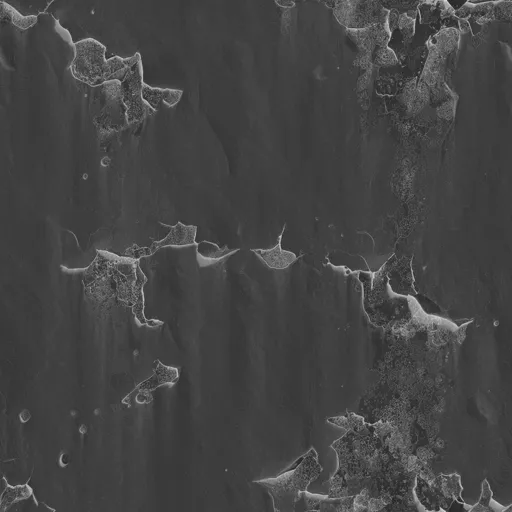

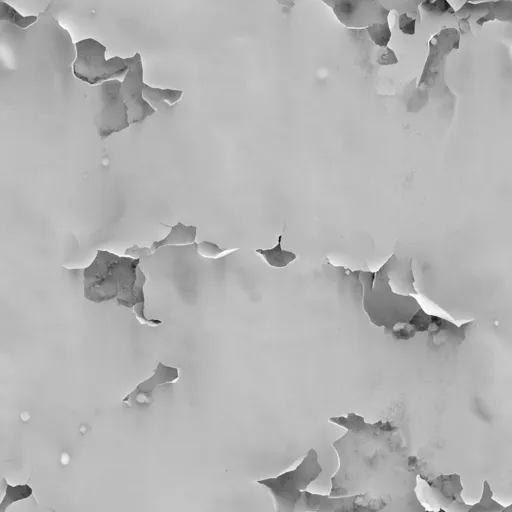
Use clear material words such as rusty iron panel, polished marble, or woven linen.
Generate the complete map set by default, then adjust the workflow in Studio.
Inspect normal and roughness response under simple lighting.
Continue to higher resolution or prepare engine output.
Use this page when the goal is a full material package, not only a single tileable image.
Use material words that describe structure, age, finish, and scale, not just a visual style.
Open in StudioInspect whether normal detail, roughness variation, and metalness follow the same material logic.
Open in StudioUse Image to PBR for existing references or Upscaler when a generated base needs higher resolution.
Convert Existing ImageTurn a prompt or reference into a repeatable base texture before building maps.
Turn a texture or surface image into Base Color, Normal, Roughness, Metalness, and Height maps.
Increase detail 2x or 4x while checking that tile boundaries stay aligned.
An AI material generator turns a text prompt into a material set, including the base texture and supporting PBR maps.
A texture is usually one image. A PBR material includes maps that control color, surface direction, roughness, metalness, and depth.
Yes. The target workflow includes Normal, Roughness, Height, Metalness, and Basecolor outputs.
The generated maps are intended for Blender, Unreal Engine, Unity, Godot, and similar material pipelines.
Yes. Generated texture and material maps can continue into the texture upscaler workflow.
Yes. Paid-tier generated materials are intended for commercial games, films, ArchViz renderings, and merchandise without royalties.
Describe a material once, generate the map set, and continue toward engine-ready output.